RAMディスク作成ソフト自体は結構色々あるのですが、Windows10対応ということで、此方のQILING Disk masterを使用しています。
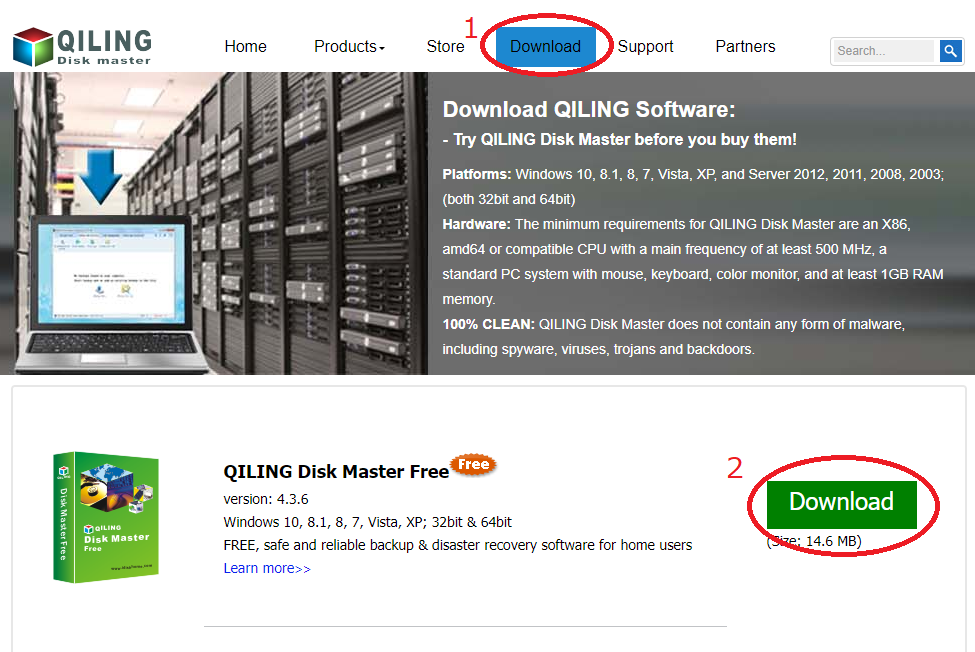
HP(http://www.idiskhome.com/index.php/main/index)より、「DiskMaster_Free.exe」をDLし、実行します。
起動後、Tool and utilities タブの Modify ramdisk をクリック
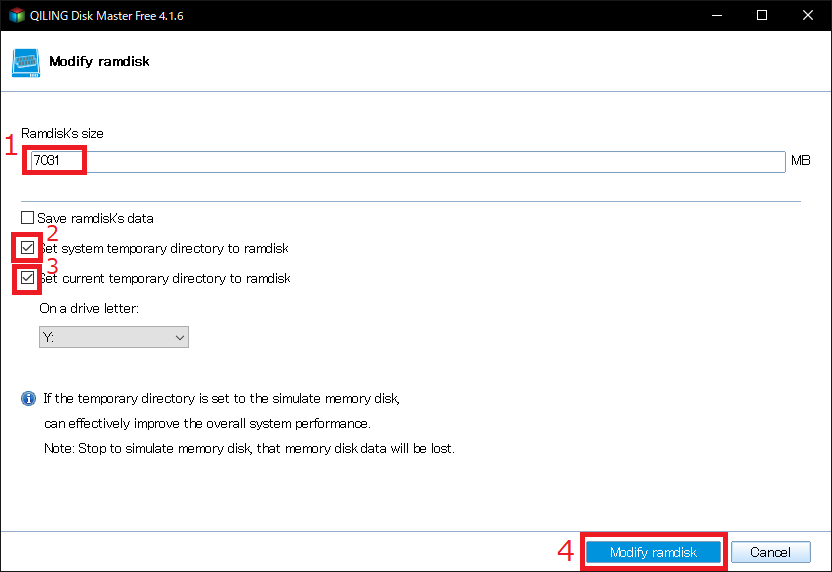
容量を入力し(初期値でも問題なし。自分は少し大きめ)、Set system temporary directory to ramdiskとSet current temporary direcyory to ramdiskにチェックを入れて、Modify ramdiskをクリック
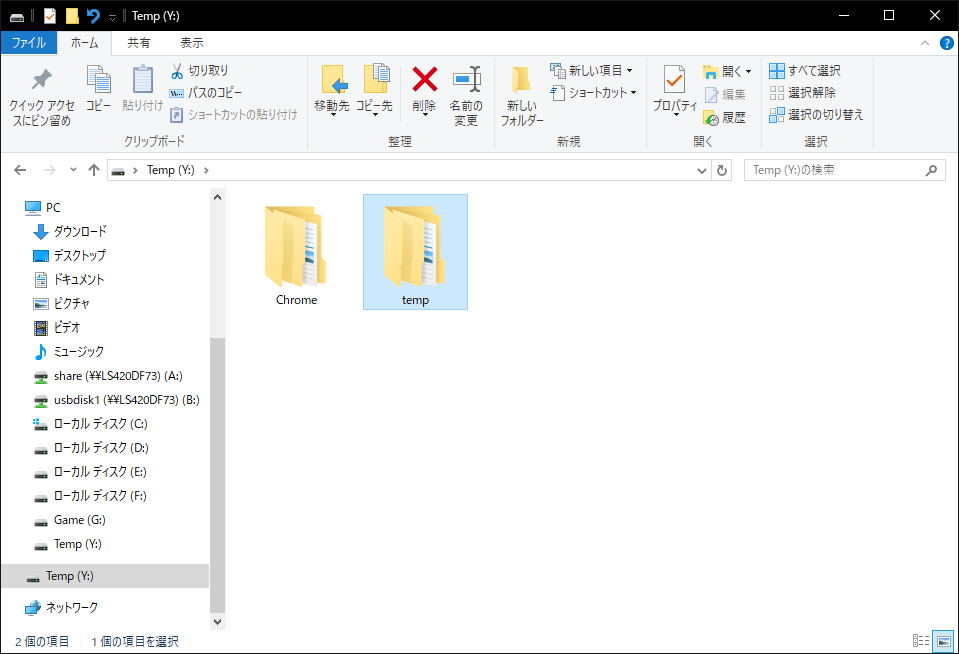
以上で完成です。 Y:直下にTempフォルダが出来ているはずです。